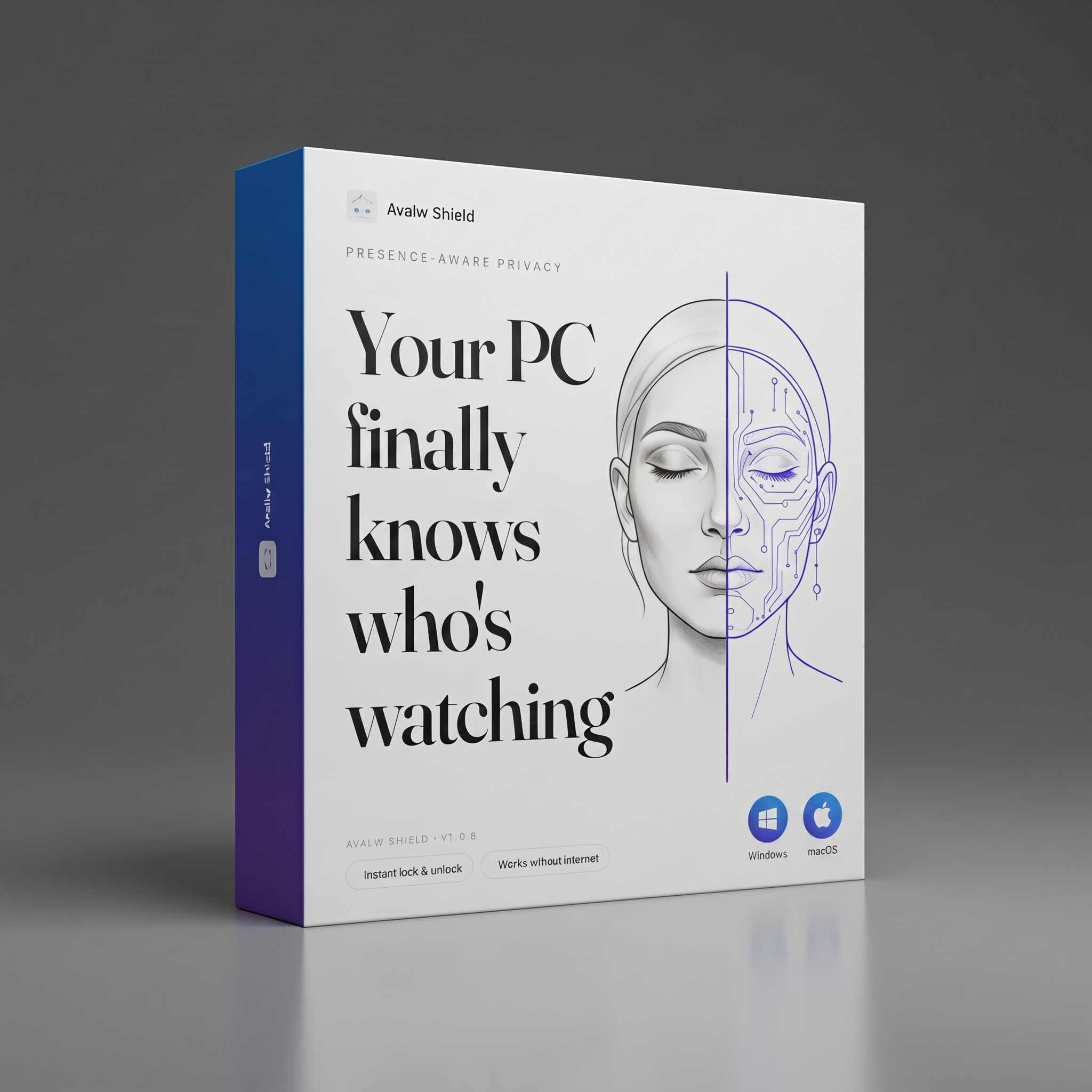
Presence-aware privacy

Your PC
finally knows
who's watching

Avalw Shield locks your computer when you leave and hides your screen from prying eyes. Using only your face. Entirely on-device.

Instant lock & unlock Works without internet

Avalw Shield v1.0.8
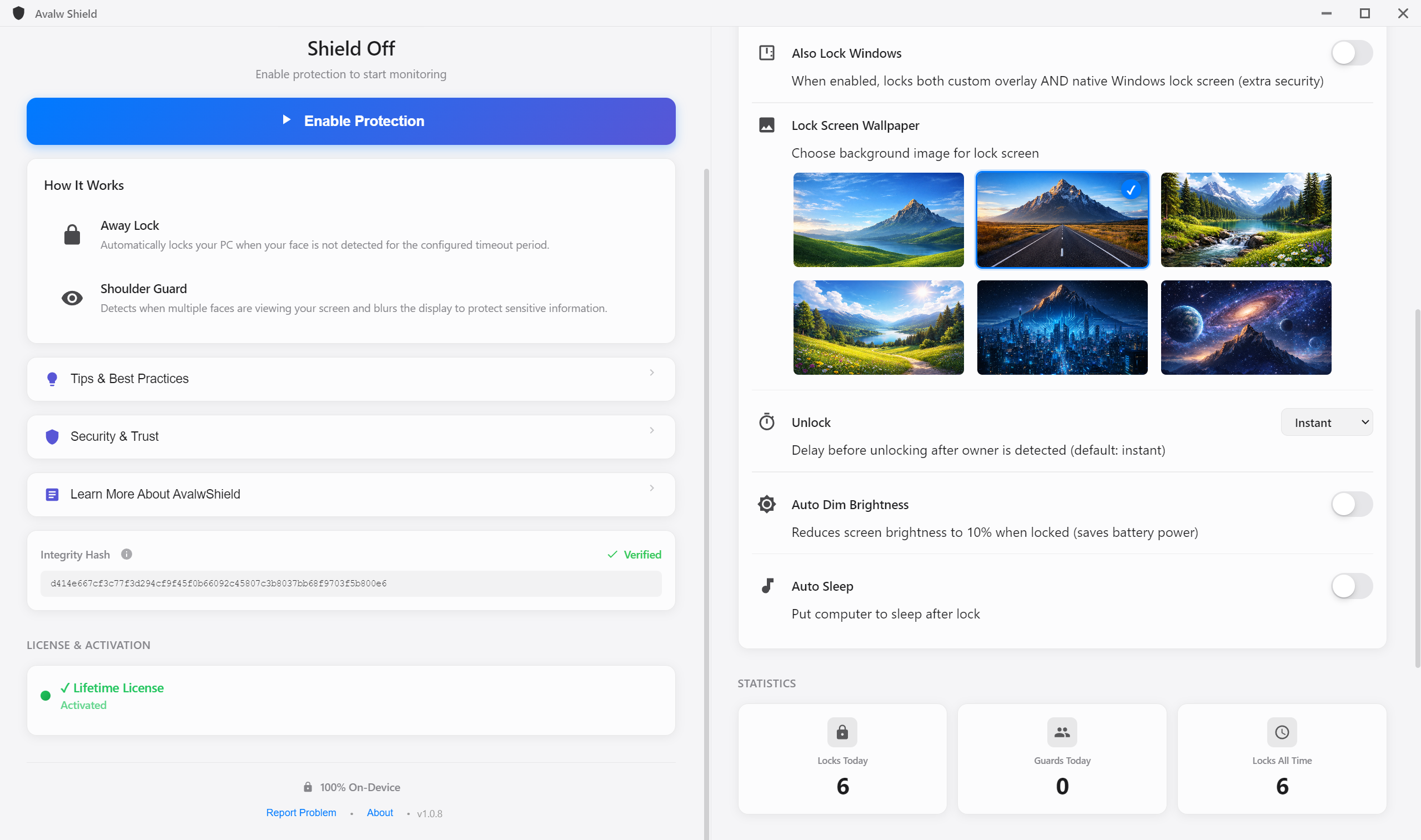
Avalw Shield app
Face detected · Protected
Shoulder Guard ready
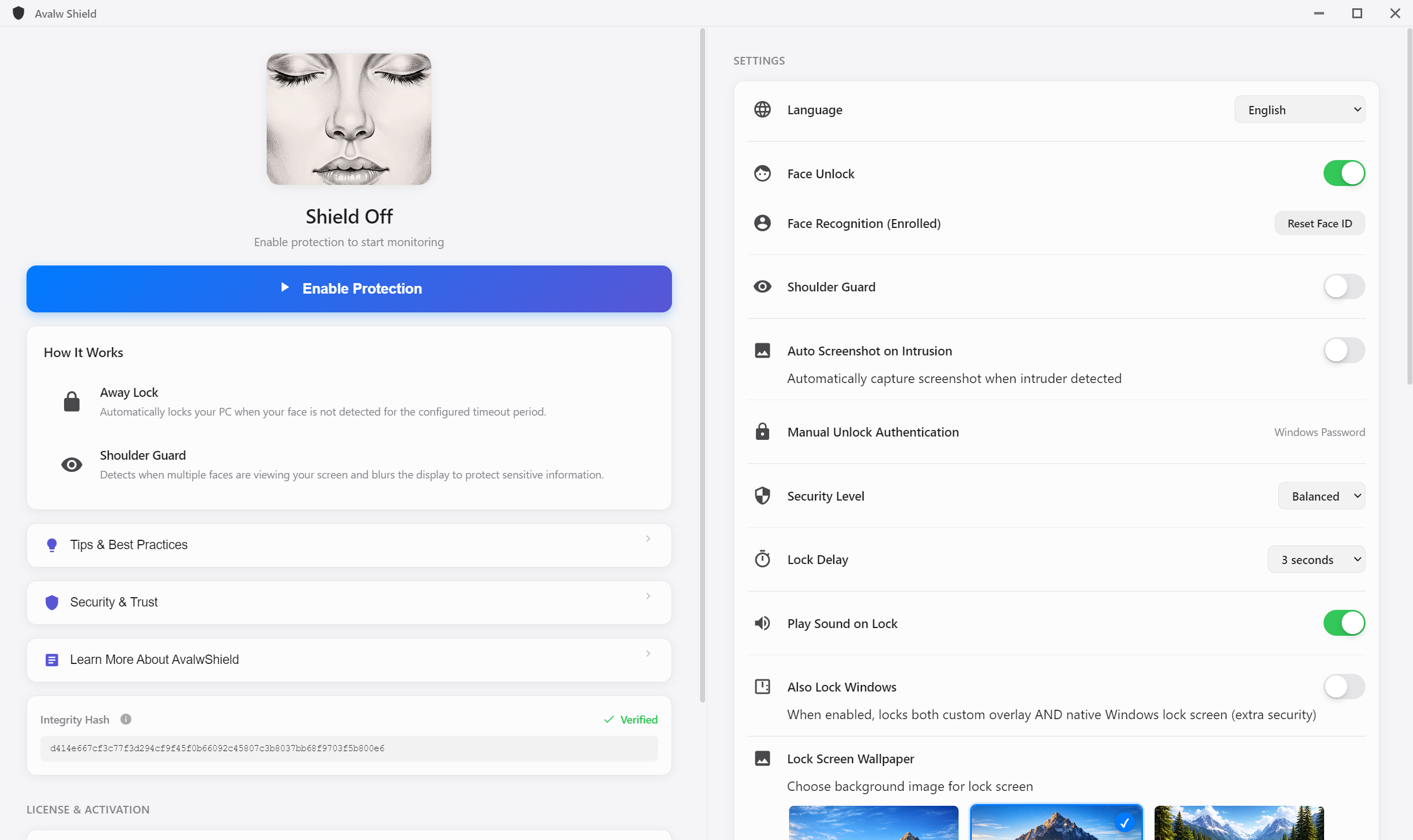
Your rules · your shield

Still locking
your PC by hand?

Put it on autopilot. Shield locks when you leave, unlocks when you return, and never forgets.

1.

Walk away, it locks.

Configurable lock delay from instant to one minute. Face Unlock brings you right back in.

2.

Two faces, blurred.

Shoulder Guard detects multiple viewers and blurs sensitive content until you're alone again.

3.

Catch the intruder.

Auto-Screenshot on Intrusion captures whoever tried to access your PC without permission.

Shield Settings
Available now

Quiet by design.
Private by default.

When you leave, it locks. When someone peeks, it blurs. Every reaction, instant. Every frame, on-device.

Ideal forWork in publicTrains, cafes, airports, lounges
Built forFocus sessionsProtects while you concentrate
Made forShared roomsFamily PCs, shared desks, open offices
Great forAnyone with a cameraLaptops and desktops alike

Blog

Real
incidents
Real Cases

7 documented incidents where screen privacy failed

From classified maps on planes to £73,000 stolen via shoulder surfing. All real, all preventable.

Read article →
Security
architecture
Security

The security architecture behind Shield

Zero servers, zero images, zero network. How we protect your camera at the hardware level.

Read article →
How it
works
Technical

From camera frame to screen lock in 200ms

Face detection, attention analysis, and the Shoulder Guard algorithm. All on-device.

Read article →
Office
privacy
Enterprise

Why every office needs screen privacy in 2026

91% of visual hacking attempts succeed. GDPR fines up to 4% of global revenue.

Read article →

Three steps. Zero effort.

Set it once and forget it. Avalw Shield runs silently in the background.

1

You're at your desk

Avalw Shield recognizes your face and keeps everything unlocked and visible.

Unlocked
2

You walk away

Your screen locks automatically within seconds. No buttons, no shortcuts needed.

Locked
3

You come back

Your face is recognized instantly. Screen unlocks, no password needed.

Welcome Back

Built for Every Need

Your privacy, wherever you are

Designed for all the moments when your screen needs protection.

Working from a cafe

Shoulder Guard detects extra eyes and hides your content instantly.

Quick bathroom break

Step away from your desk. Shield locks automatically, no shortcuts needed.

Shared home computer

Only your face unlocks your session. Family members see a locked screen.

Open office

Anyone walking past triggers protection. Content hidden instantly.

Airport or hotel

Working in public? Strangers everywhere. Shield keeps your screen private.

Client meetings

Sensitive data on screen? Shoulder Guard protects during interruptions.

Everything you need

Powerful protection that works silently in the background.

Away Lock

Locks your screen the moment you step away. No buttons needed.

Shoulder Guard

Hides your screen when someone looks over your shoulder.

Face Recognition

Advanced AI learns your face and only unlocks for you.

Attention Aware

Knows when you're looking at the screen. Photos can't fool it.

Gets Smarter

Improves recognition over time. Adapts to glasses, haircuts, lighting.

Your Rules

Adjust lock delay, sensitivity, and protection mode.

Your screen, your eyes only.

Working in a coffee shop? Open office? Shoulder Guard detects when someone else is looking at your screen and instantly hides your content.

  • Detects unauthorized viewers in real-time
  • Instantly blurs or hides your screen
  • Reveals content only for you
  • Works in cafes, airports, and offices

Your camera is safe with us

You're giving an app access to your camera. Here's exactly how we protect you.

Download Only from Official Sources

Avalw Shield is available exclusively on the Apple App Store and the Microsoft Store.

Official website: avalw.ai

Zero Server Dependency

No Internet Access

Connects to absolutely no servers. No backend, no API, no cloud.

No Data Exfiltration

No server to receive data. Impossible to steal what can't be sent.

Zero Data Retention

No Images Created

Never saves photos. Only data: how many faces are present (an integer).

Instant Memory Cleanup

Camera data processed and immediately discarded.

Verify It Yourself

Check Network Activity

Activity Monitor shows 0 bytes sent. Always.

Use a Firewall

Little Snitch or Lulu will never trigger an alert.

Watch the Green LED

Hardware-controlled camera LED. On when active, off when disabled.

In Summary

No servers. No images saved. No network access.
Memory cleaned instantly. Camera LED always visible.

Your camera is safe.

From the blog
Avalw Shield, explained.
How Away Lock and Shoulder Guard protect your screen, why zero images are saved, and how to verify that Shield sends zero bytes.
Read the full article →

For your Mac and PC

Privacy protection for every computer you use.

macOS

Mac App Store

Live
Download

Windows

Microsoft Store

Coming Soon

Frequently asked questions

Everything you need to know about Avalw Shield.

What is Avalw Shield?

A privacy app that uses your face to automatically lock your computer when you walk away and hide your screen from people looking over your shoulder.

How does face recognition work?

On-device AI model processes your camera locally. No data ever leaves your computer.

Is my face data stored in the cloud?

No. Face data is stored exclusively on your device with hardware-level encryption. Never leaves your computer.

What is Shoulder Guard?

Detects when someone other than you is looking at your screen and instantly hides content.

Does it work without internet?

Yes. Completely offline. Internet only needed for purchasing through the App Store.

Can someone use a photo to unlock?

Attention detection checks your eyes are open and looking. After 5 failed attempts, system password required.

How much does it cost?

Free 15-minute trial per session. Monthly, annual, or lifetime license available.

Protect your computer today

Available now on the Mac App Store. Windows coming soon.

Download for Mac